Back to websites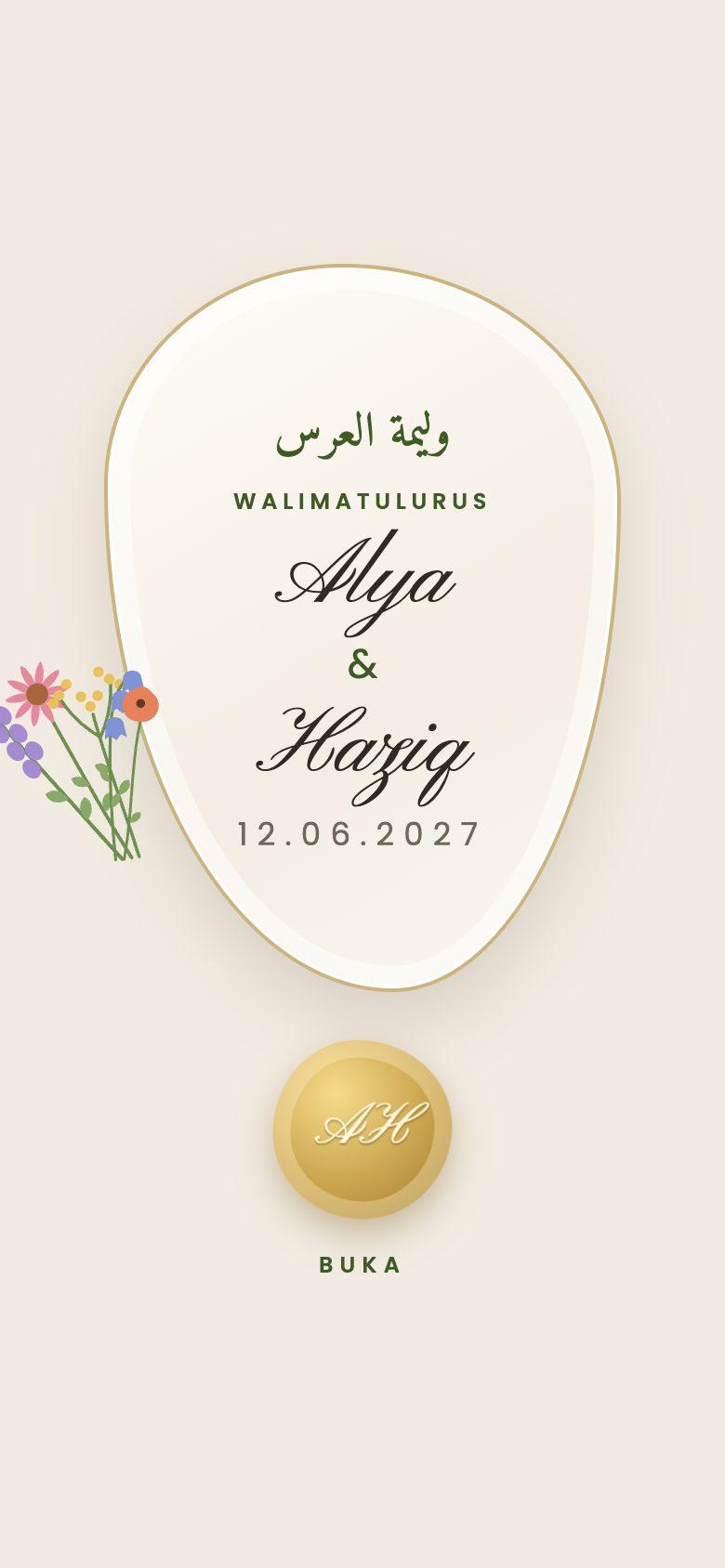

Wedding invitations
An invitation your guests actually open.
One link for the family WhatsApp groups. Guests open the envelope, see the day, find the venue and RSVP in a minute. Pick a design below and we put in your details.
Pick a design
Every demo works. Open one on your phone and tap through it like a guest would.
- DemoKlasikCream and wildflowers, separate nikah and sanding pagesNikah and sanding pagesWax seal openingAdd to calendarOpen the demo (opens in a new tab)
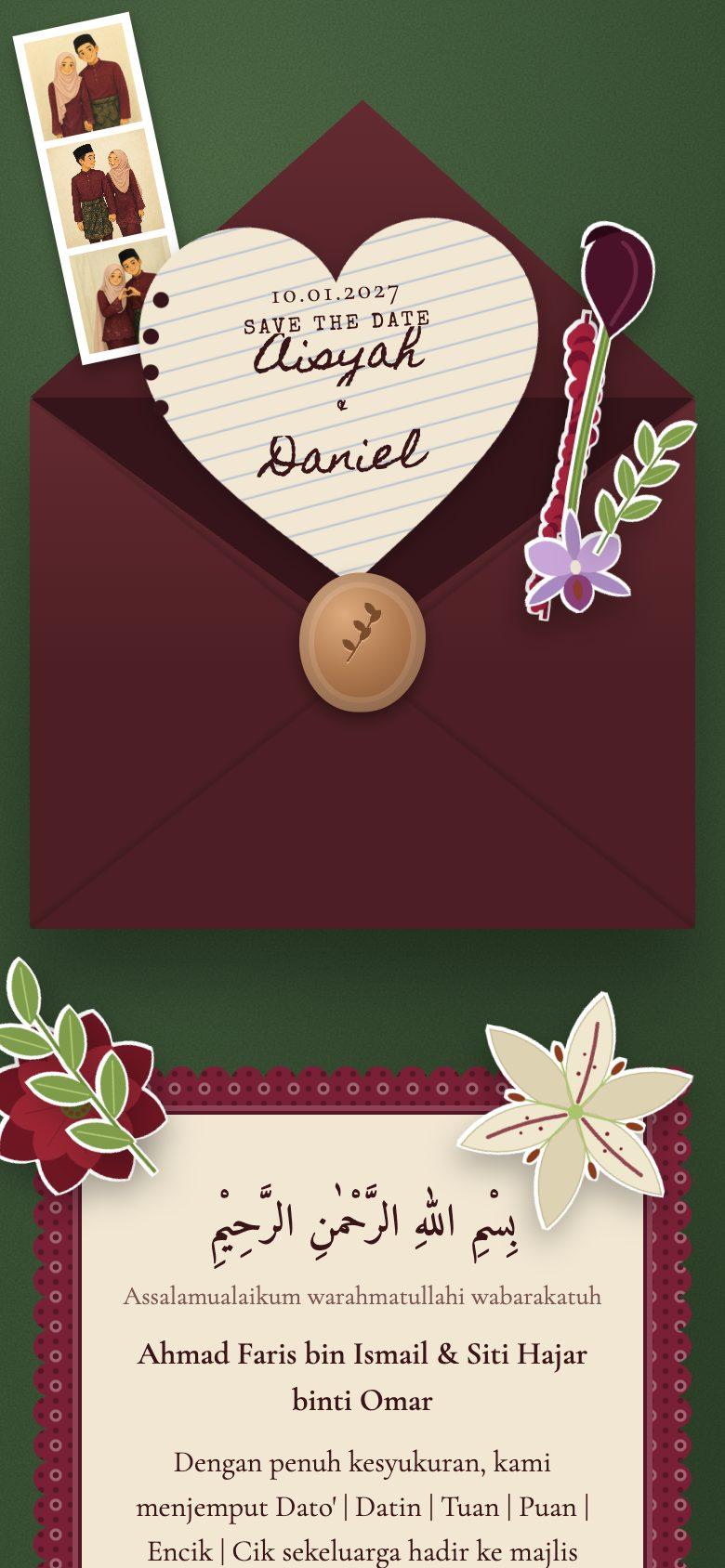
- DemoAnggurBurgundy envelope, lace and a photo booth printOpening envelopePhoto stripVelvet RSVPOpen the demo (opens in a new tab)
- DemoTamanPastel garden with a doily heart calendarWatercolour flowersCircled dateClip-board mapOpen the demo (opens in a new tab)
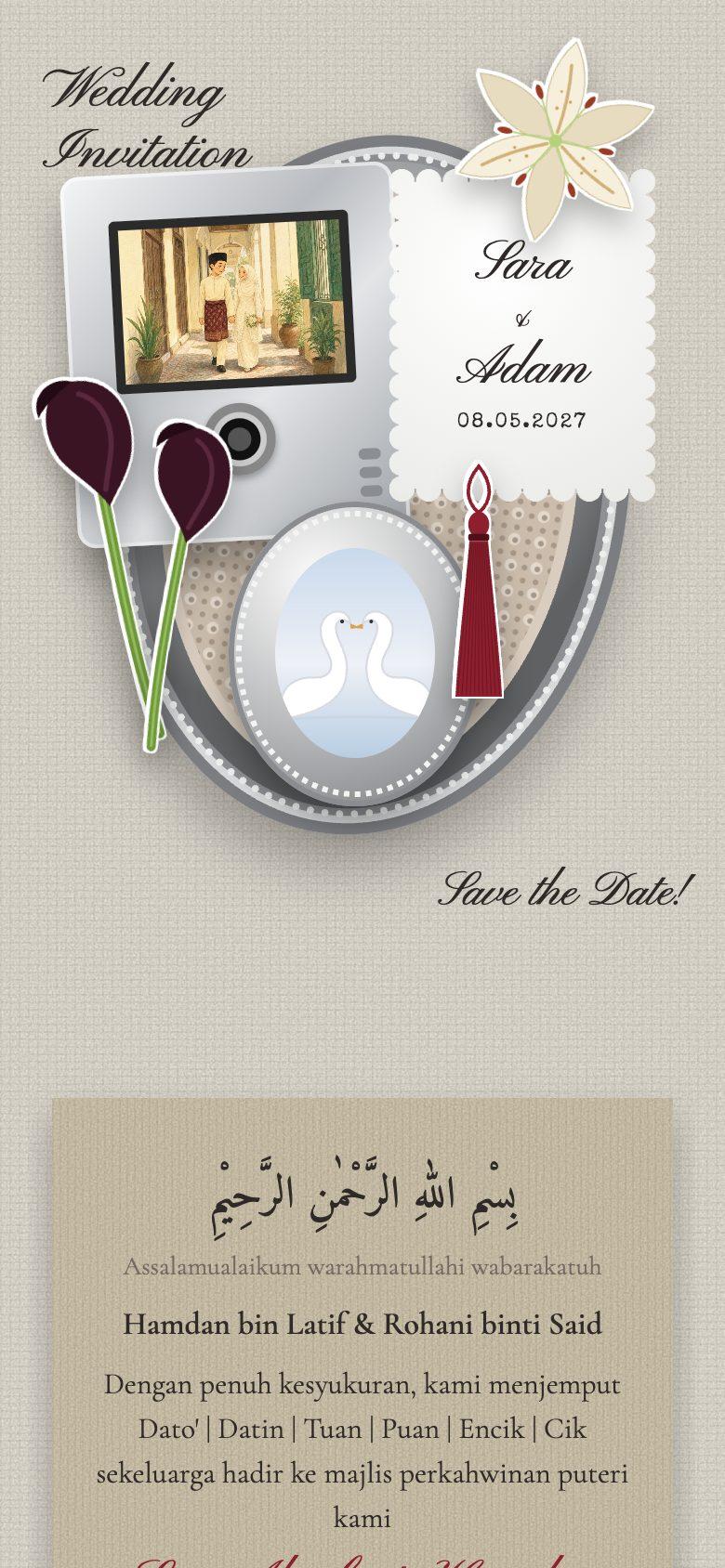 DemoLinenSilver tray, typewriter and a postage stampTypewriter scheduleLace envelopeStamp countdownOpen the demo (opens in a new tab)
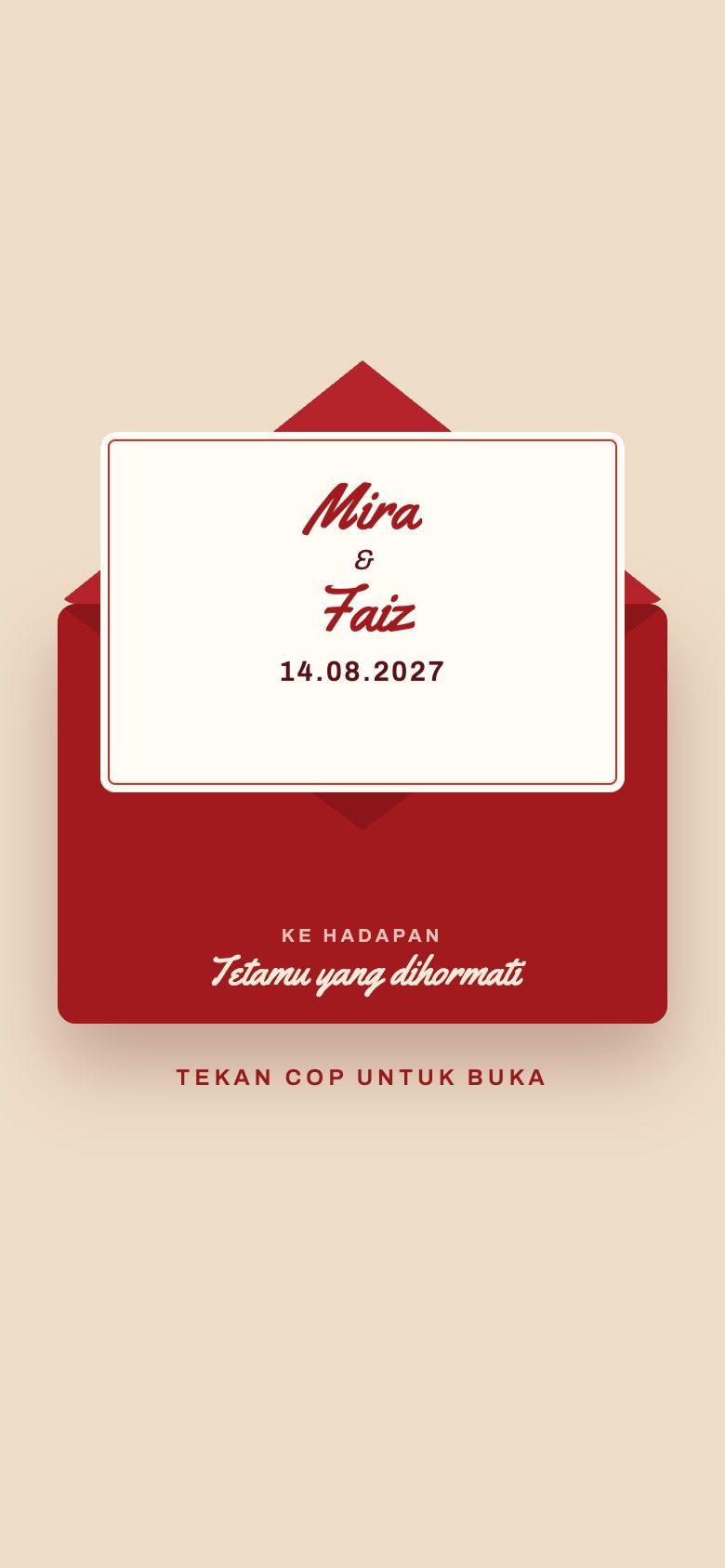 DemoDelimaWine red love letter with line-art rosesEnvelope openingName on the envelopeCircled calendarOpen the demo (opens in a new tab)
 DemoSongketRoyal Malay night wedding in indigo and woven goldSongket curtain openingBrass betel box countdownGold foil namesOpen the demo (opens in a new tab)
Names, dates and photos in the demos are made up.
How it works
- 1Pick a designTell us which one, and the colours if you want them changed.
- 2Send your detailsNames, date, venue, schedule, contacts and a photo or two.
- 3Share the linkCheck it, ask for changes, then send it to your WhatsApp groups.
Questions
Can you change the colours or the flowers?
Yes. Tell us your theme colours and we match the design to them.
We have a nikah and a sanding on different days. Is that one invite?
We can make separate pages for each, or one per family side. Send us the details and we'll quote it.
How do RSVPs reach us?
Each guest's reply comes to your WhatsApp as a message with their name and how many are coming.
Do guests need to download anything?
No. It opens in the browser from the WhatsApp link.